

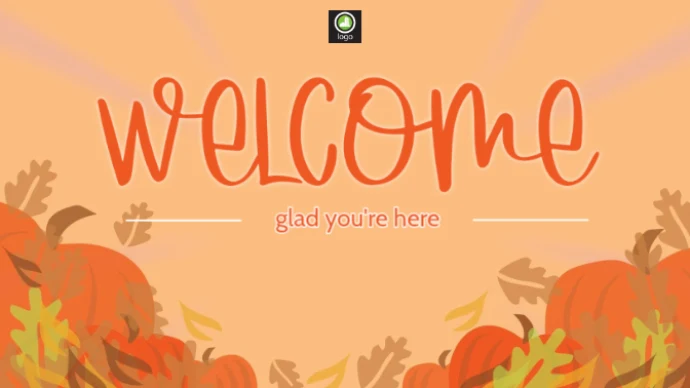
Media library & PDF
Organise your assets. Select PDF pages and choose how long each page appears.
 TZSVTAVCLOUD
CONTENT & AI
Bring what you already have. Shape it when you need to. Ask for help whenever it is useful.
POSTERMYWALL × TZSVTAV CLOUD
You don’t have to design every idea from scratch. Explore image and video templates, make them your own, then bring the finished content into the portal’s media library.
Create content in the portal ↗Image or video, landscape or portrait.
Your wording, photos, colours and logo.
Finished content into your library and playlist.
Template previews: PosterMyWall ↗. Connect your own PosterMyWall account. Subscriptions and any download fees are paid directly to the provider; your plan and licence determine quality and usage.
INSIDE THE PORTAL
Our own portal screenshots. Select an image for a larger view. The images contain demonstration data.
Your brand, editable layers and AI tools in one workspace.
Images, videos and finished designs in an organised library.
Fades, motion and transition timing with a direct preview.
Preview content, logo and caption together.
BUILD YOUR OWN SCREEN
Choose a location, then turn elements on or off. The image, text and clock update immediately. This is your space to experiment.
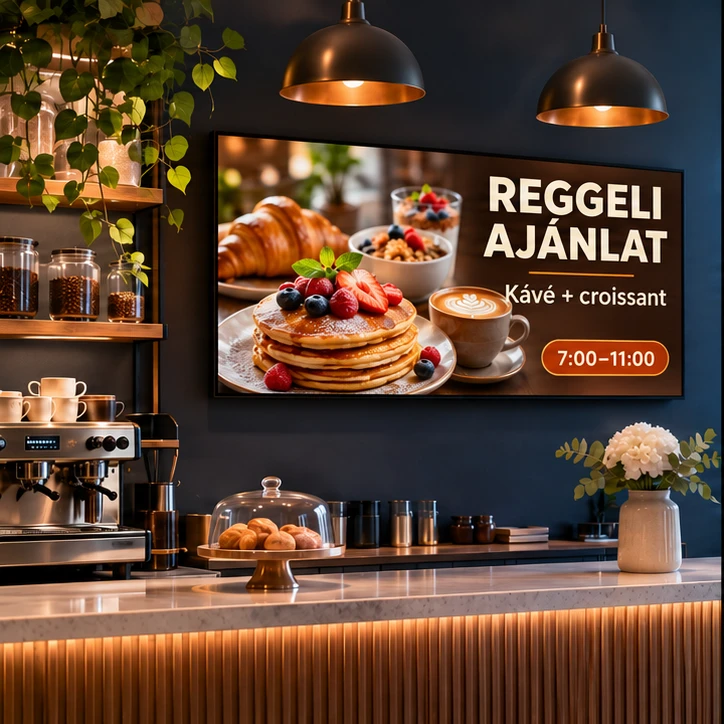
Fresh coffee. Delicious bites. A little time for yourself.
 Discover more
Interactive demonstration. Example prices and sample weather; changes stay in this browser view and are not saved.
Continue in the real content editor ↗YOUR ASSETS. YOUR BRAND.
Uploaded images, videos and designs from external editors can all be the starting point for screen-ready content.
Organise your assets. Select PDF pages and choose how long each page appears.
Text, images, videos, QR codes, shapes, opacity, layer order and entrance effects.
Your logo, colours and fonts. Choose a light or dark editing workspace.
Clocks, date, weather and feeds. Display web content on players that support embedding.
Choose a template, edit in your connected account and bring the finished asset into your library.
Create a separate transparent PNG from a selected image while preserving the original.
HELP THAT STARTS WITH YOUR WORK
Get a creative idea, a layout review, another aspect ratio or help with the next step. AI joins on request; you review the proposal and decide whether to use it.
Use the current page and message to get a practical next step.
Rearrange existing layers, text, prices and media for another display size.
Check missing assets, readability, layout and the selected output’s limitations.
Explore moving content using an external video-generation account and allowance.
Export the finished still image.
Combine video backgrounds and supported animated layers in one file.
Use updating widgets with a compatible browser-based player.
Websites and YouTube can restrict embedding. Recording to MP4 depends on the layer; updating web content needs live playback.
MORE THAN A STATIC POSTER
The content editor starts with the assets you already own. Add a headline and a price to a product photo, place information layers over a video background, or bring in your own logo, colours and fonts. Layer order, position, size and opacity shape the composition. Entrance effects help draw attention to the right part of the message.
AI content creation supports this process on request. Describe the message, mood and aspect ratio, then review the proposed result. The assistant can also help when you are stuck: it uses the current design and displayed message to suggest a concrete next step. When adapting a layout, the goal is to preserve your existing layers and factual content. Review the new version before applying it.
Choosing the output is part of creating the content. PNG produces a still image, MP4 combines supported video and animated layers, and a live design is suitable for updating widgets. Weather, RSS, websites and YouTube may require internet access and a compatible player. External providers may restrict embedding. Text inside a flattened image remains part of that image rather than becoming a separately editable layer.
LET’S START WITH YOUR SCREENS
Tell us where you want to communicate and what you want to show. We will help shape the solution.