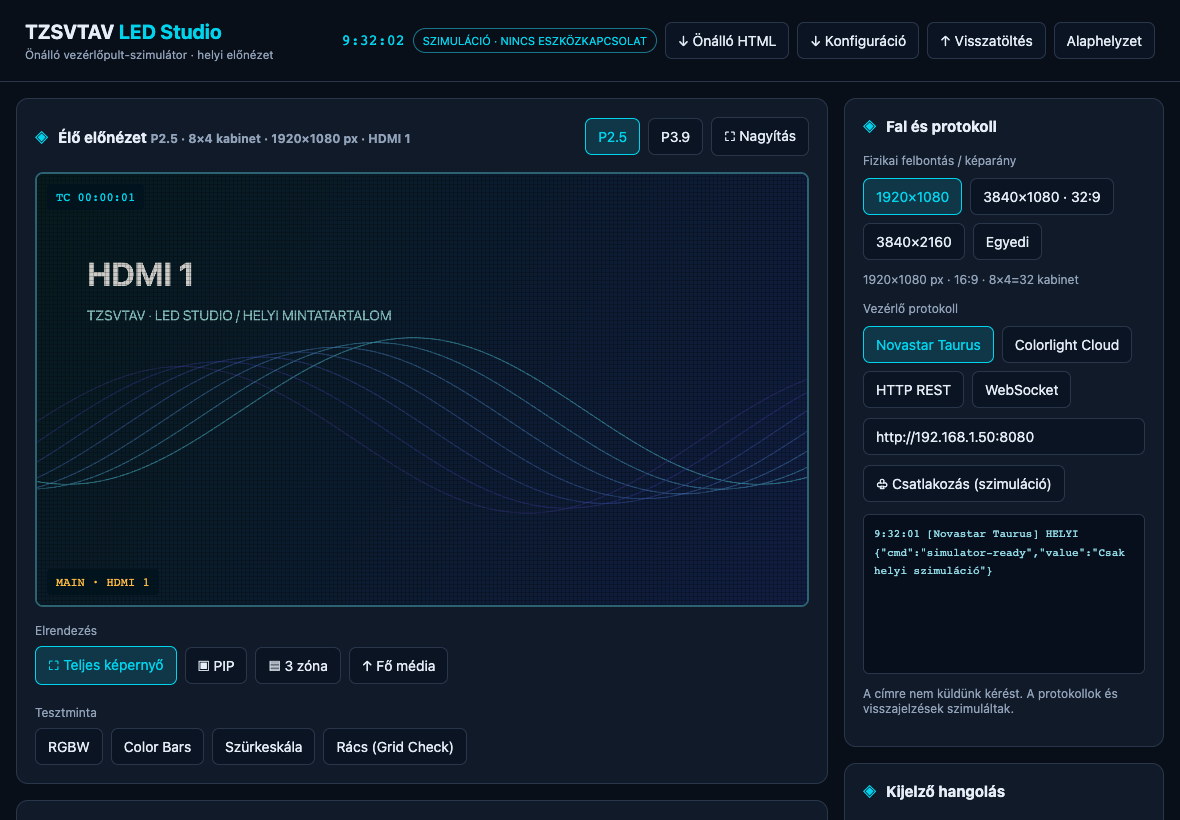
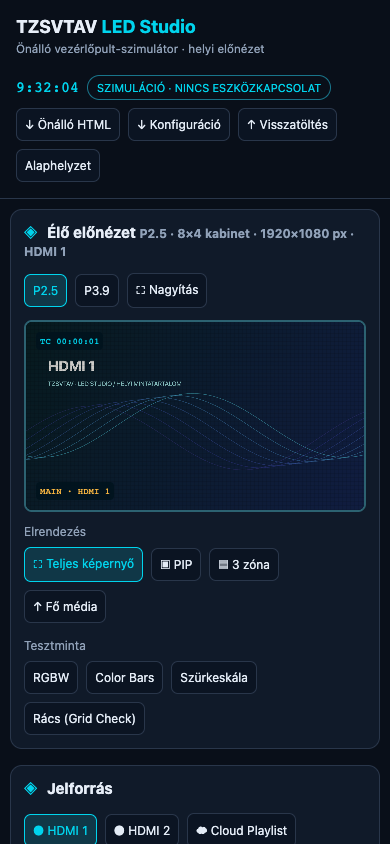
Content delivery
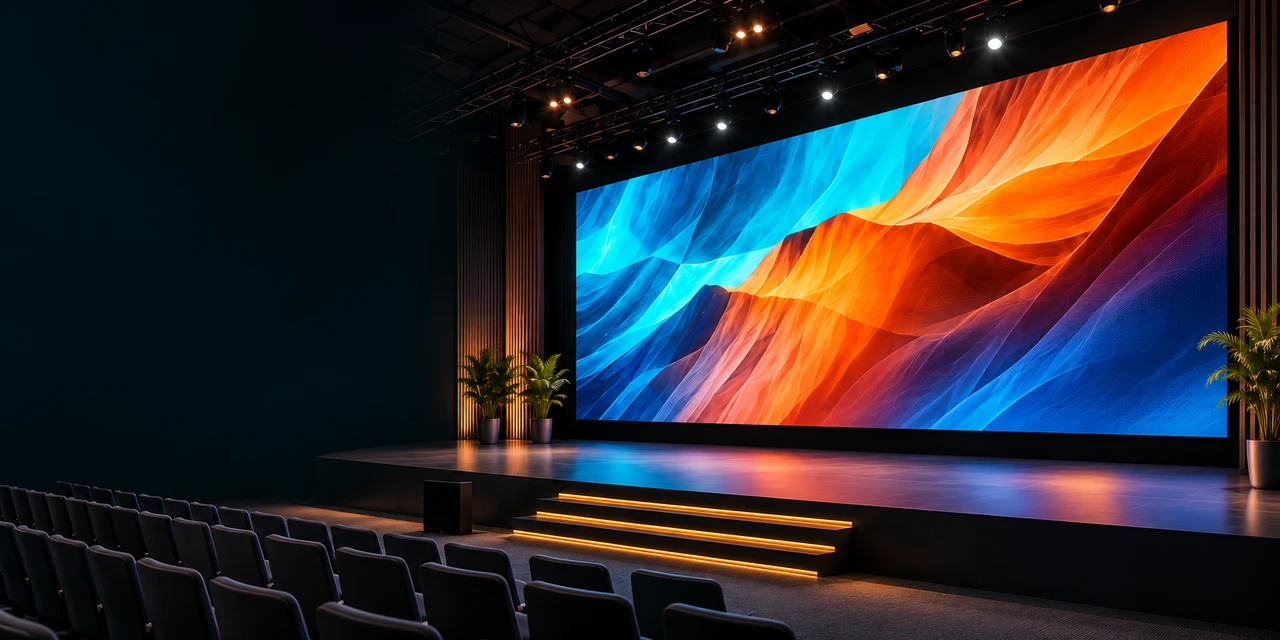
Send videos, images and playlists to your LED wall.
 TZSVTAVCLOUD
LED WALL CONTROL · TZSVTAV CLOUD
Content, brightness and monitoring.
One clear interface.
Interactive visual demo · not a live device
Matched to your controller and location
Build programmes, schedule content changes and manage playback remotely, according to the device’s capabilities.
Hover over the controller, or tap to see the rear. Front panel
Manufacturer’s information and specification ↗Send videos, images and playlists to your LED wall.
Adjust the display to suit the location.
Start programmes and switch content on schedule.
Keep track of the system and controller connection.
Sources, picture adjustments, test patterns and scheduling. A working simulation, with no real device connection.
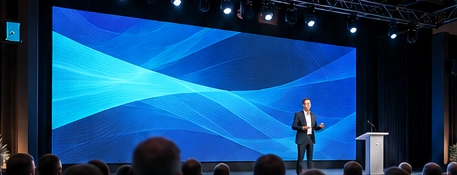
Events and live programmes
A presentation, camera or other local source on the LED wall.
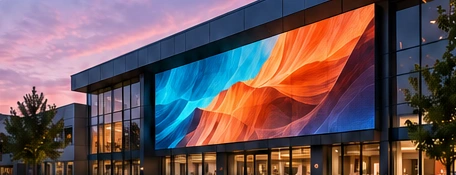
Permanent installations and advertising
Prepared programmes matched to the place and the time.
Connections, remote operations and reported data depend on the model, firmware and integration. Local video and cloud content delivery use different signal paths.
Try brightness and colour changes on this demonstration image. It is not connected to an LED wall and does not change a real device.
The A800 supports local HDMI sources and standalone playback. We match the wiring, LED wall resolution and control method to the installation.